Find the earlier work
Repository IntelligenceRead the selected project’s module context and original records. Repository Intelligence is built into the core, with no separate Repository extension to install.
CONTROLLED AGENT LIFECYCLE FRAMEWORK
Make a request, inspect the changed files and checks, then continue from a retained attempt. A lightweight harness and workbench for the AI you already use.
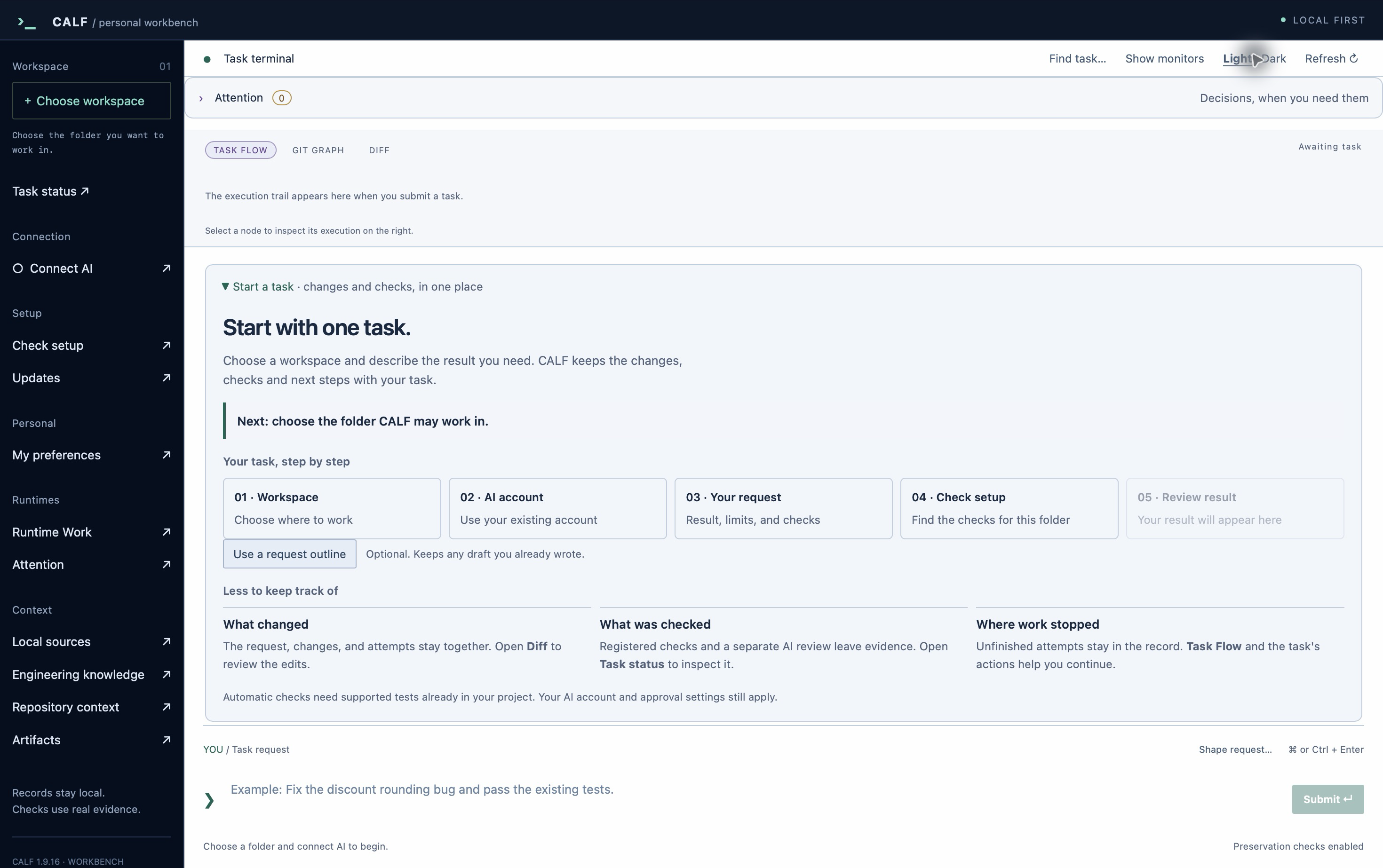
Find retained project records and connect the order, scope and checks for a task. Context queries and coordination need no extra AI or resident indexing server.
Read the selected project’s module context and original records. Repository Intelligence is built into the core, with no separate Repository extension to install.
Connect declared prerequisites, file ownership and check conditions. The shared Rust core inspects the plan and its current evidence.
Search a bundled catalogue of 367 engineering references. Some contain only names and sources; larger collections can be imported separately.
CURRENT / RECORDED / NEXT
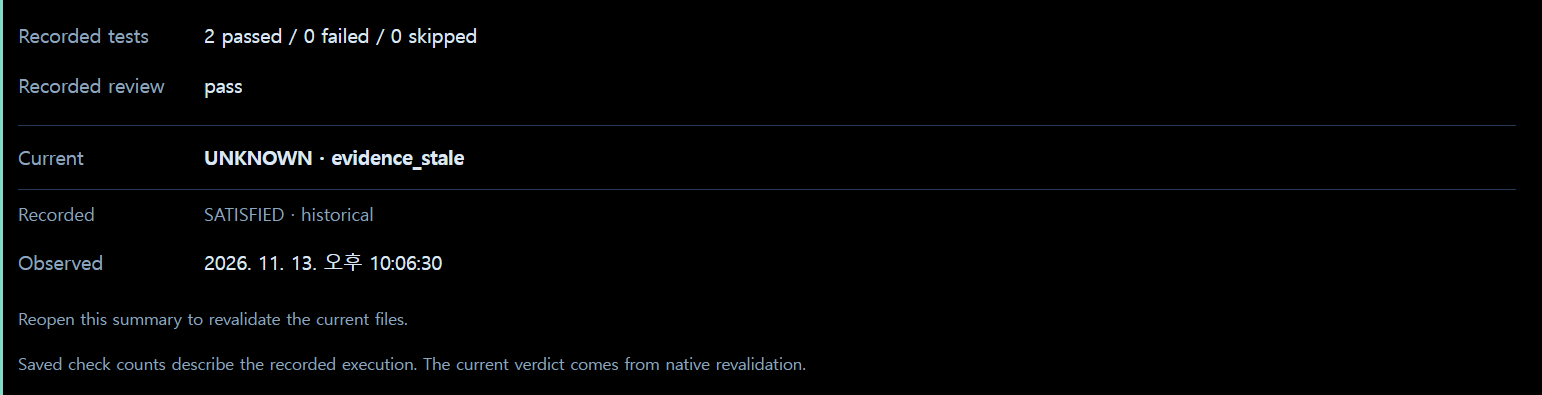
Keep current checks distinct from retained results after files change. When a task stops, see the next item that needs inspection or a decision.
Prepare a small task with the first-task guide, using the account and tools you already have.
Download Workbench for your operating system. Preserve existing records, contracts, settings and older task runtimes.
Select your existing AI connection. Describe the intended result and what must be preserved.
Follow the first-task guide. After execution, inspect the changed files and the actual check results together.
DOWNLOAD CALF
Start with Workbench for a desktop interface. Your AI account and the connected service’s fees and conditions still apply.
Apple Silicon · macOS 14+ · Developer ID signed and notarized
x64 · WebView2 required · No publisher signature supplied
x64 · Qualified on Debian 13 · GTK 3 / WebKitGTK 4.1 required
GitLab links to the same qualified files. Download hashes: SHA256SUMS
Harness is the headless interface to the same core. The optional CALF Connect development preview opens Workbench from VS Code, Cursor, PyCharm and Antigravity IDE.
THE CALF MANUAL
From installation and the first request to reading results and recovering a task. Read the illustrated English/Korean manual directly on this site.
Installation and first task ↗Use EN / KR to change language. Download the single HTML file, including all screenshots, for offline reading.